A personalised journal you design yourself
Your title goes on the cover and you choose every page inside. We print your journal and post it to you.
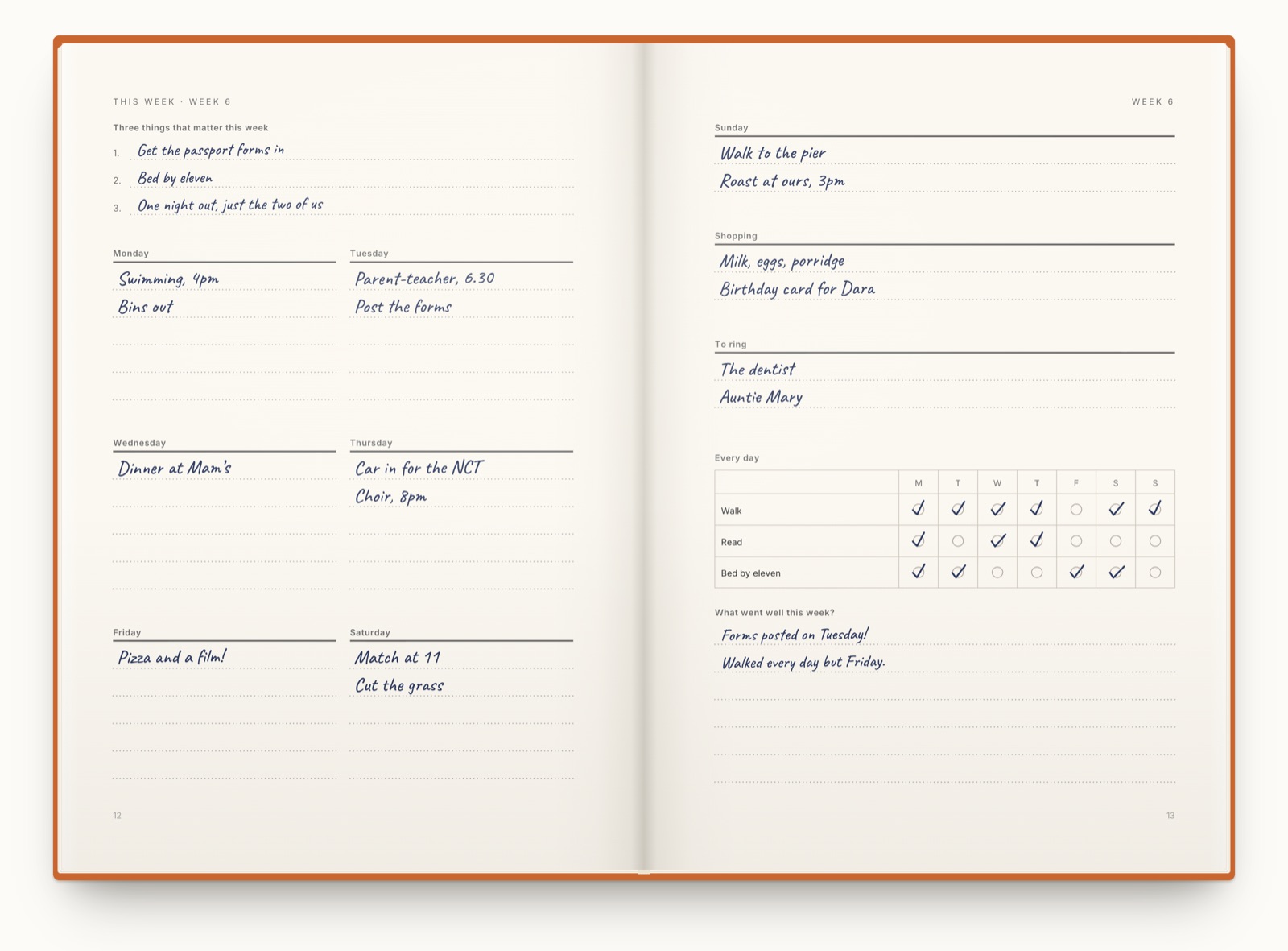
This one plans your whole week. Start from this one
What can you personalise?
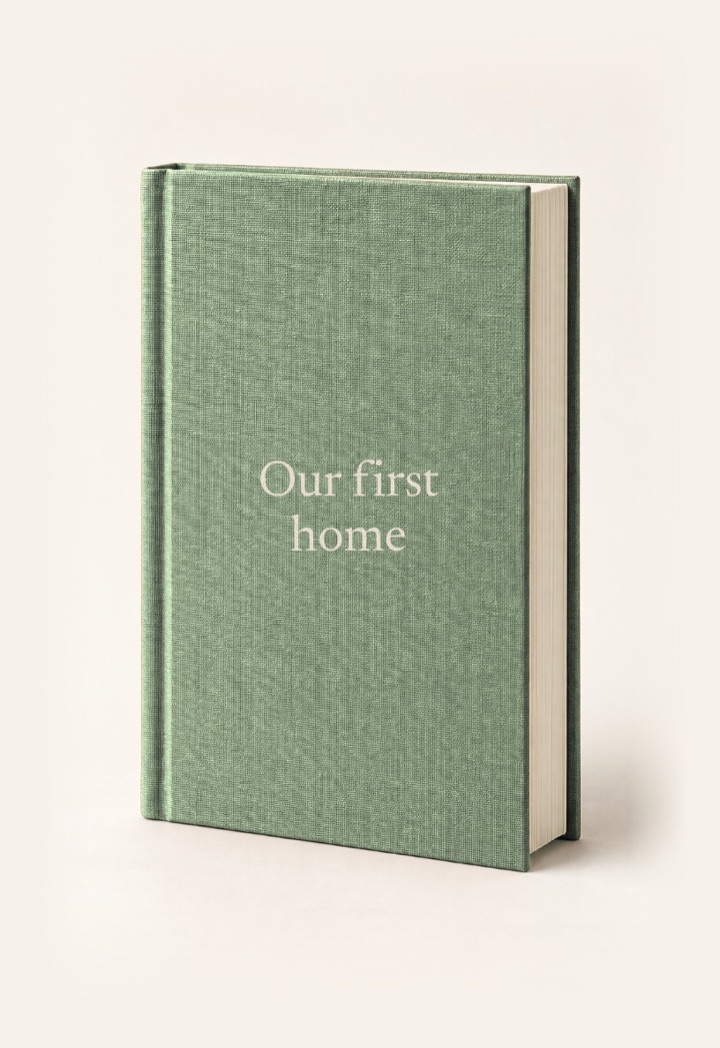
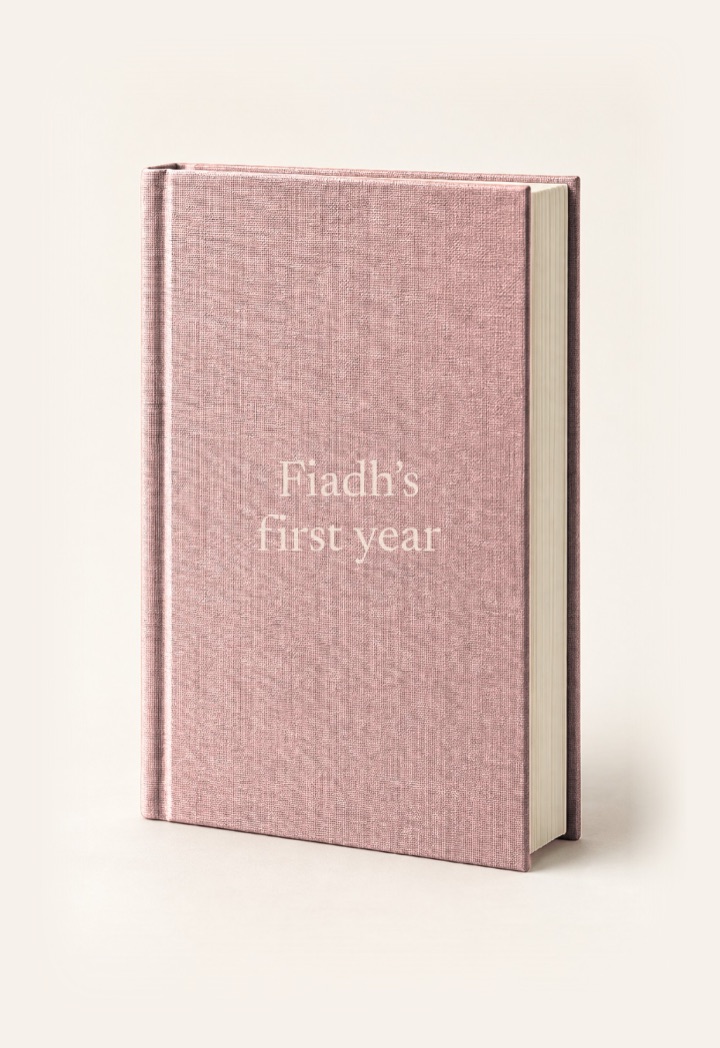
Type your title on the cover, or somebody’s name if it’s a present, and pick a colour.
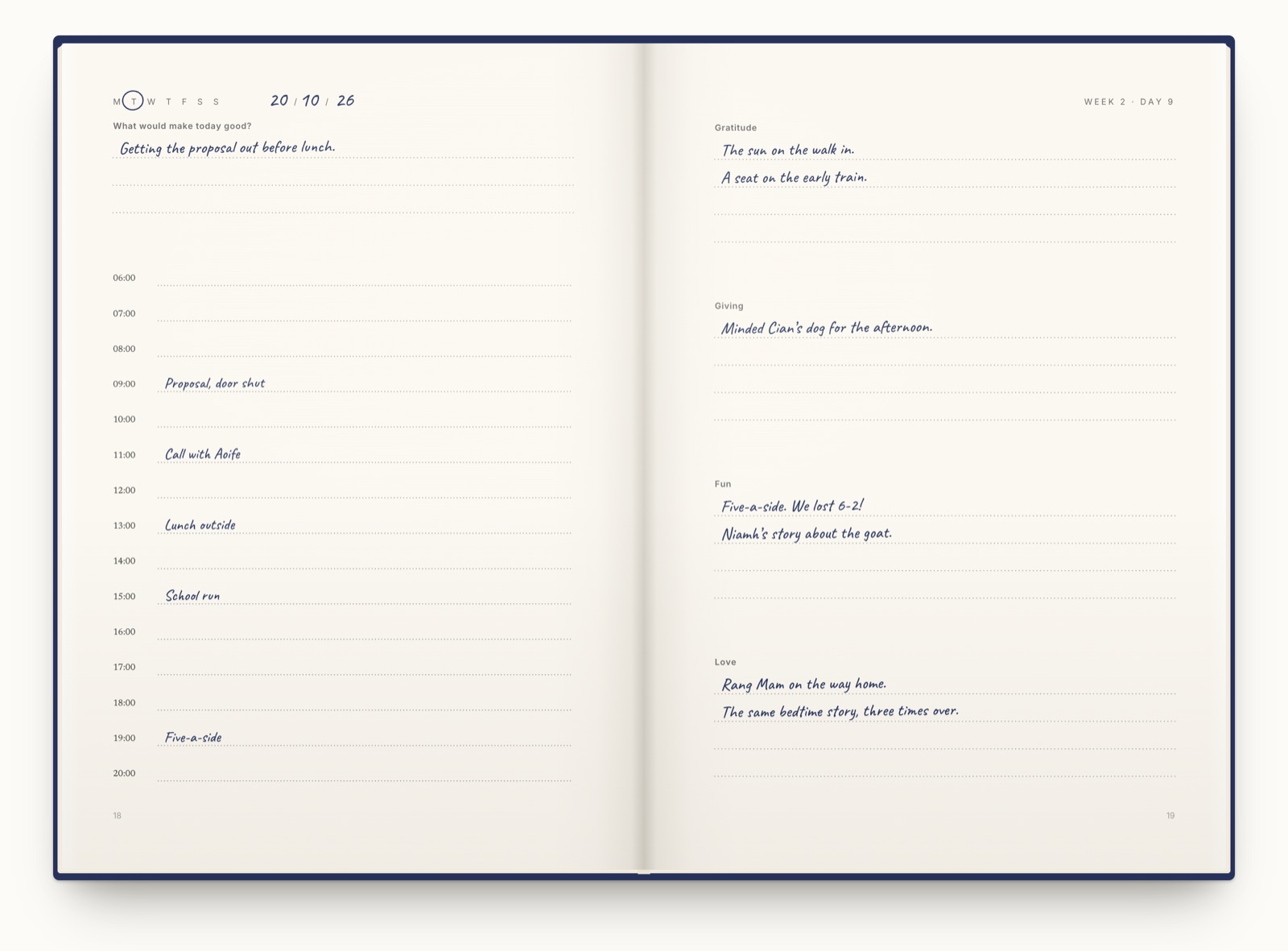
Then choose the pages. A journal for a new mam can ask about the baby, and one for your dad’s retirement can have a page for every week of his first year off!
If it’s a gift, write a line to them on the title page. You can add a photo there as well.
Change anything before you order
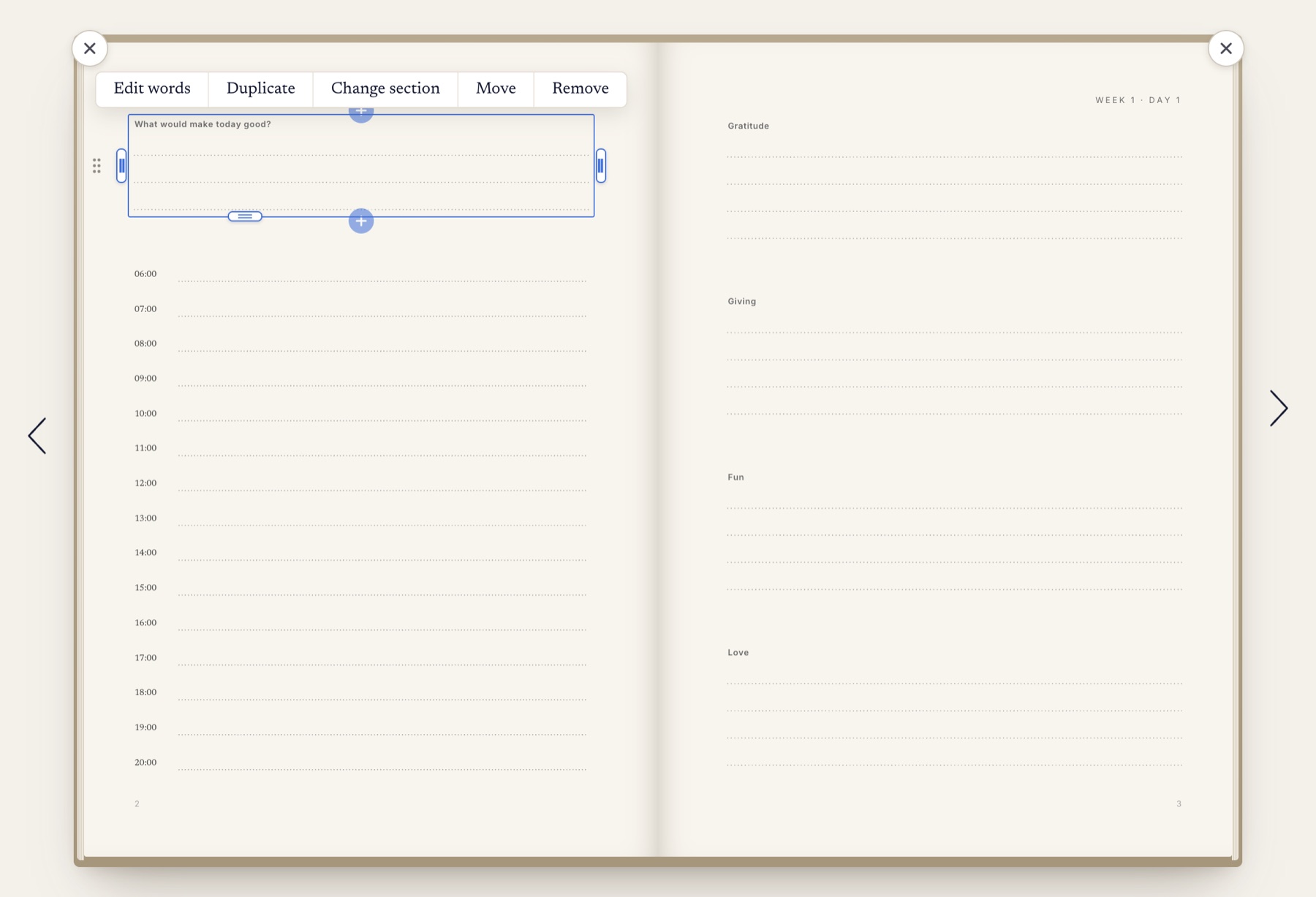
You can rewrite any question, try a different layout and give each part more or less room. Add a quote, notes or the hours of the day under any section.
A change can go on one day or on every day in the book, so your birthday can ask something different!
Then we print it and post it to you
When your pages are right, open the preview and read the whole journal on screen as it’ll print.
Then pick your cover! It can be a softcover, a hardcover or linen with your title pressed into the cloth in gold or silver foil.
It’s one price whatever you change in the book, and the post is included.
Start your journal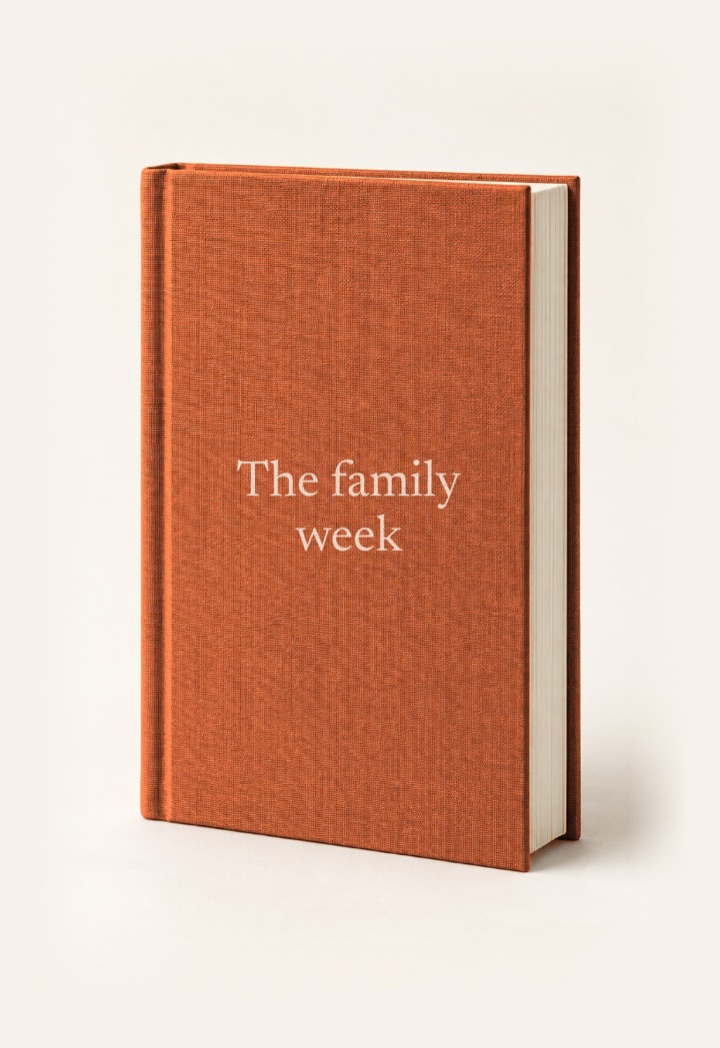
Or make it in ChatGPT
Tell it what you want on each page and ChatGPT sets your journal up in Astera. You can change anything before it’s printed.
I’m running the Dublin marathon in October. Can you make me a journal for it with Astera? asterajournal.com/llms.txt
I’ve started your Dublin Marathon journal in Astera. Open the Dublin Marathon journal in Astera ↗
Questions
Can I design the inside pages as well?
Yes. Start from one of our journals or a blank book, then change any page and add your own.
Can I read it before I pay?
Yes. The preview shows every page, and you order from there.
Can I get just one copy printed?
Yes! We print a single copy of every journal.
Where do you post to?
We post to 205 countries, including Australia, Canada, Ireland, the UK and the US.
What size is it?
A5, which is 148 by 210 millimetres.
Can I add my own photos?
Yes. Add a photo between any two sections of a page, or put a Vision page at the front and arrange your photos on it.
Updated