Design your own journal.
Pick the pages you'll use, write your own questions and make the cover yours. We print it as an A5 hardcover and post it to you.

Planners, bullet journals, gratitude journals and diaries.
Start from one of these and change any page, or start from a blank book.
All the templates ↗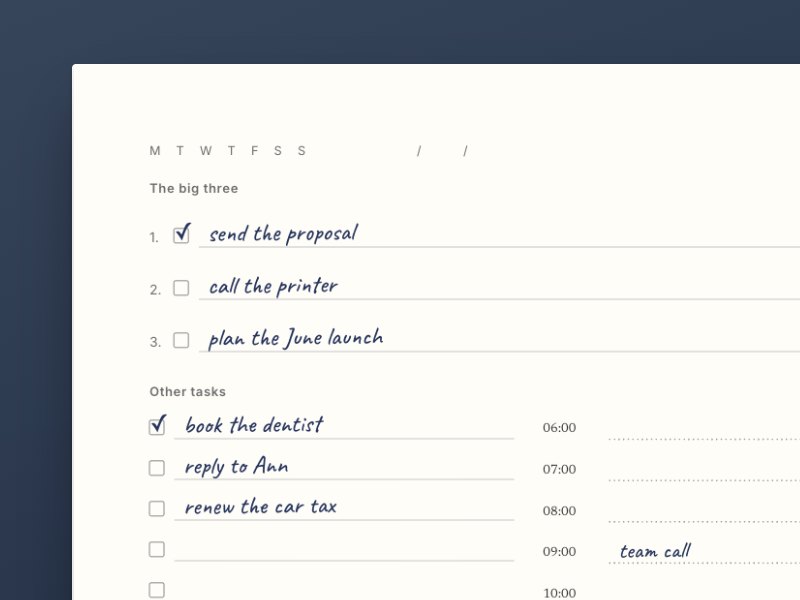
The daily planner
Your big three, the rest of the list beside the hours, and a page for notes every day.
Look inside ↗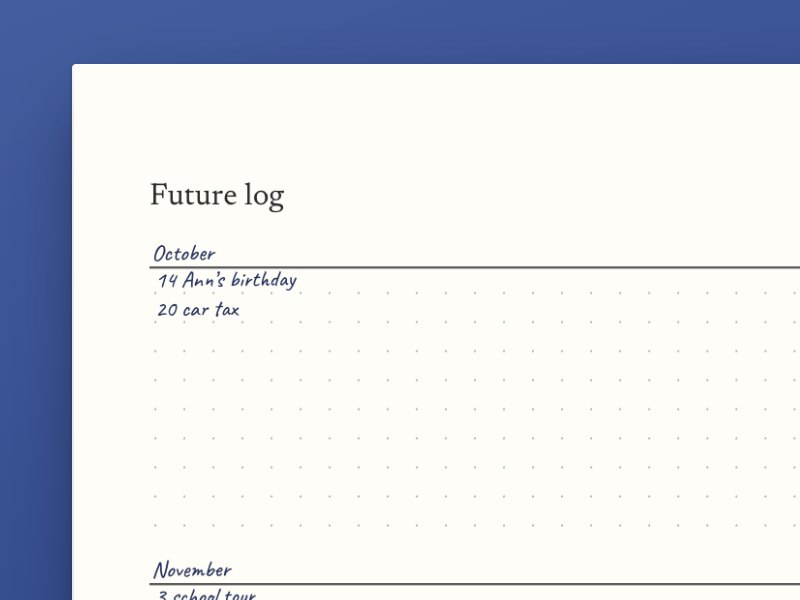
Bullet journal
An index, a key and a future log, then numbered dotted pages.
Look inside ↗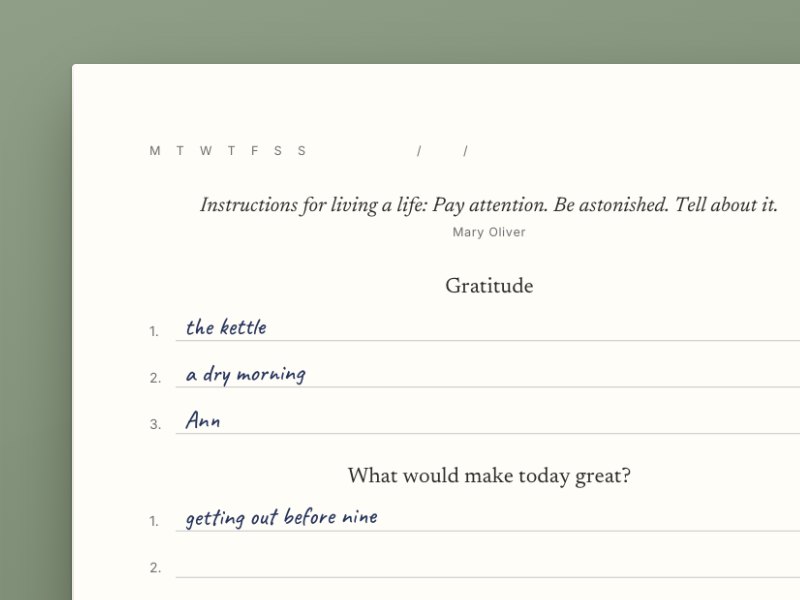
A gentler morning
Five minutes in the morning and five at night, with a new quote every day.
Look inside ↗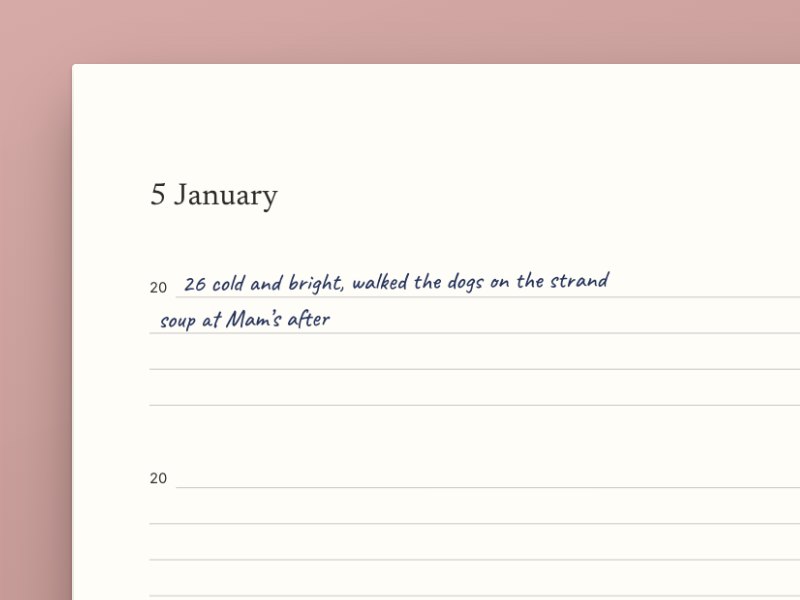
A few lines a day
Write a few lines a day for five years, under what you wrote on the same day the year before.
Look inside ↗Make your own journal in ChatGPT.
Tell it what you want on each page: the quotes you like, the hours of the day, a dotted page beside each day. ChatGPT sets your journal up in Astera, and you can change anything before it's printed.
ChatGPT opens with your words in the box. Press send. You can also send it a photo of a page you've drawn.
I'm running the Dublin marathon in October. Can you make me a journal for it with Astera? asterajournal.com/llms.txt
I've started your Dublin Marathon journal in Astera. Open the Dublin Marathon journal in Astera ↗
Can each day be two pages, with the second page dotted? And put a quote from Seneca or Marcus Aurelius at the top of each day.
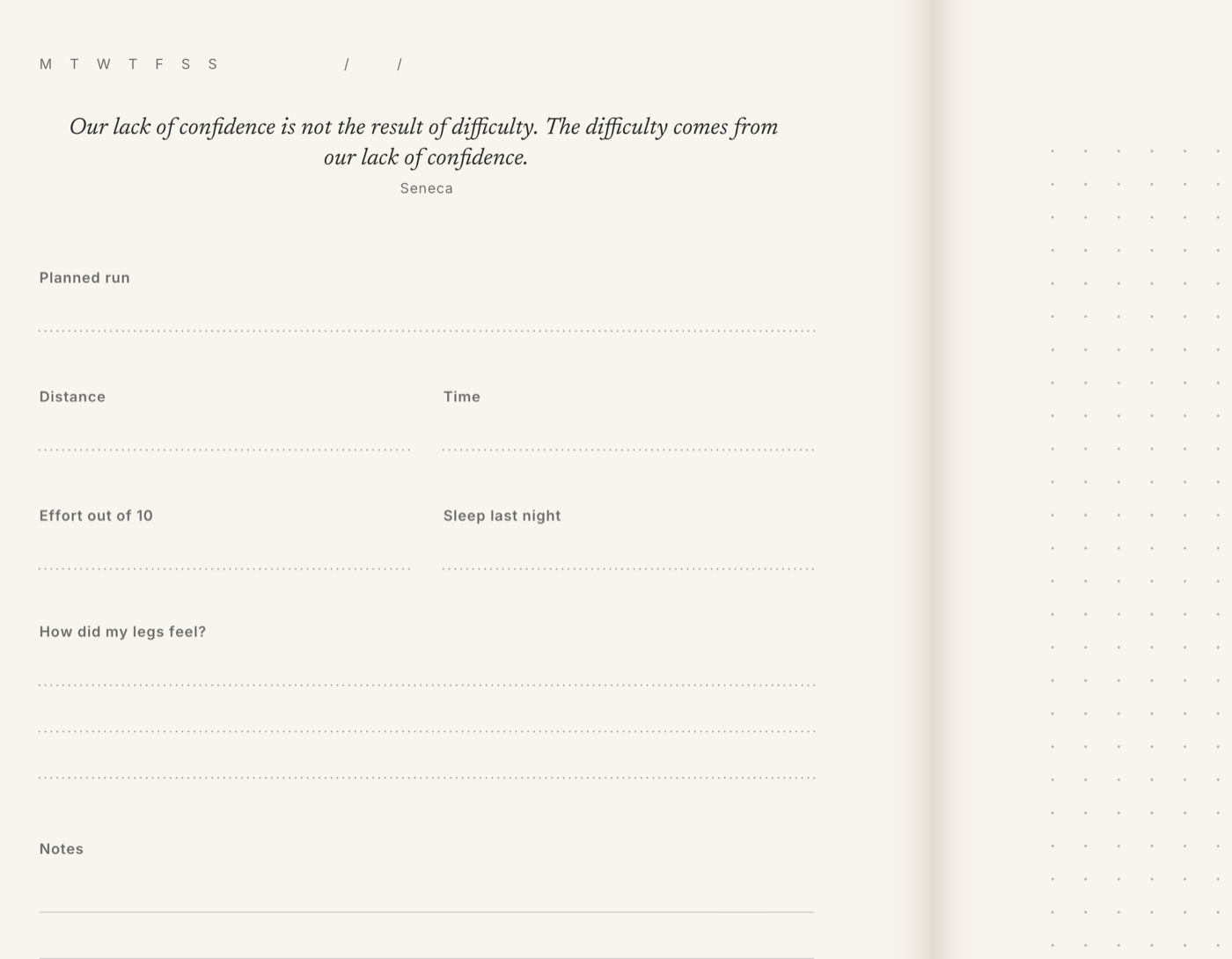
Each day is two pages now. The first has a quote from Seneca or Marcus Aurelius, then lines for your run, your effort and your sleep. The second page is dotted. Open the updated journal ↗
What would you
put in yours?
Every section on a page can be moved, resized or rewritten. It can come from any journal in the library, or from you.
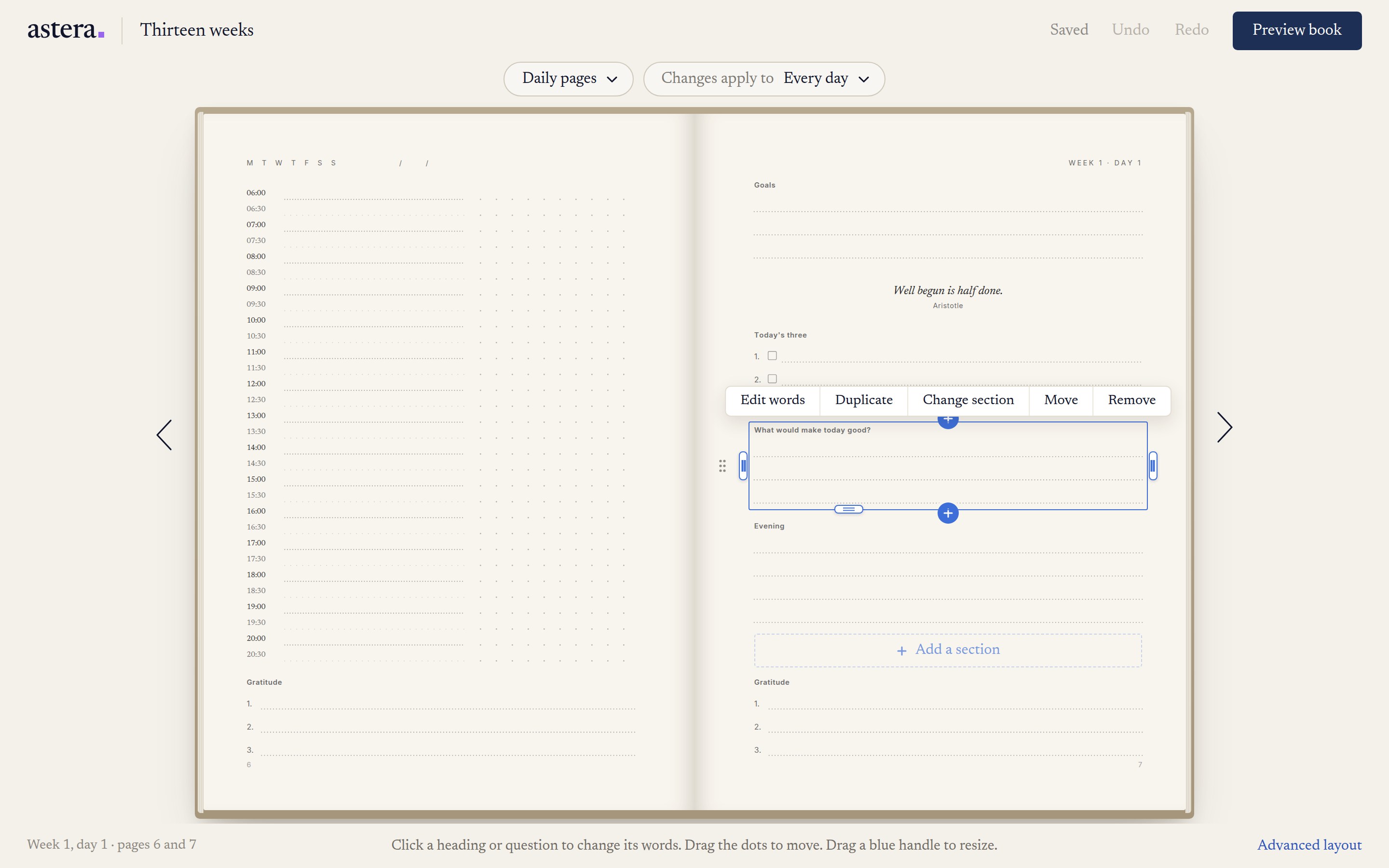
Take a schedule from Thirteen weeks, gratitude from A gentler morning and sketch space from The ideas book.
Pages are drawn in millimetres, and the same drawing makes the file the printer receives.
Change a single day, or apply the change to every daily spread in the book.
The Astera Edit opens on your vision.

A home full of fun and love.
In your own wordsJournal example: a home full of fun and love.
You write what you want at the front of the book and put a vision board beside it.
Each month and each week has a plan and a review. Each day asks you to look for the things you want more of, like fun and love, and gives you room to write down where you found them.
With the Astera app
Record your vision in your own voice. The app shows your words at the time you choose, and you tap play to hear yourself say it.
Want a planner or a notebook instead? Pick one from the journals above.
Try a free exercise first.
Work something out on screen. You choose which answers go into your journal.
All the exercises ↗Which part of your life has the most room?
Score each part out of ten. Tap a ring to change it. The one with the least in it is a good place to start.
Or write what great looks like for each part ↗Start with the pages
you want to write in.
Choose a template, then change the cover, the questions and the layouts.