Make a vision board you’ll look at
A vision board is one page of pictures and short lines about the year you want. Put it in your Astera journal and it prints at the front, so you see it every time you write.
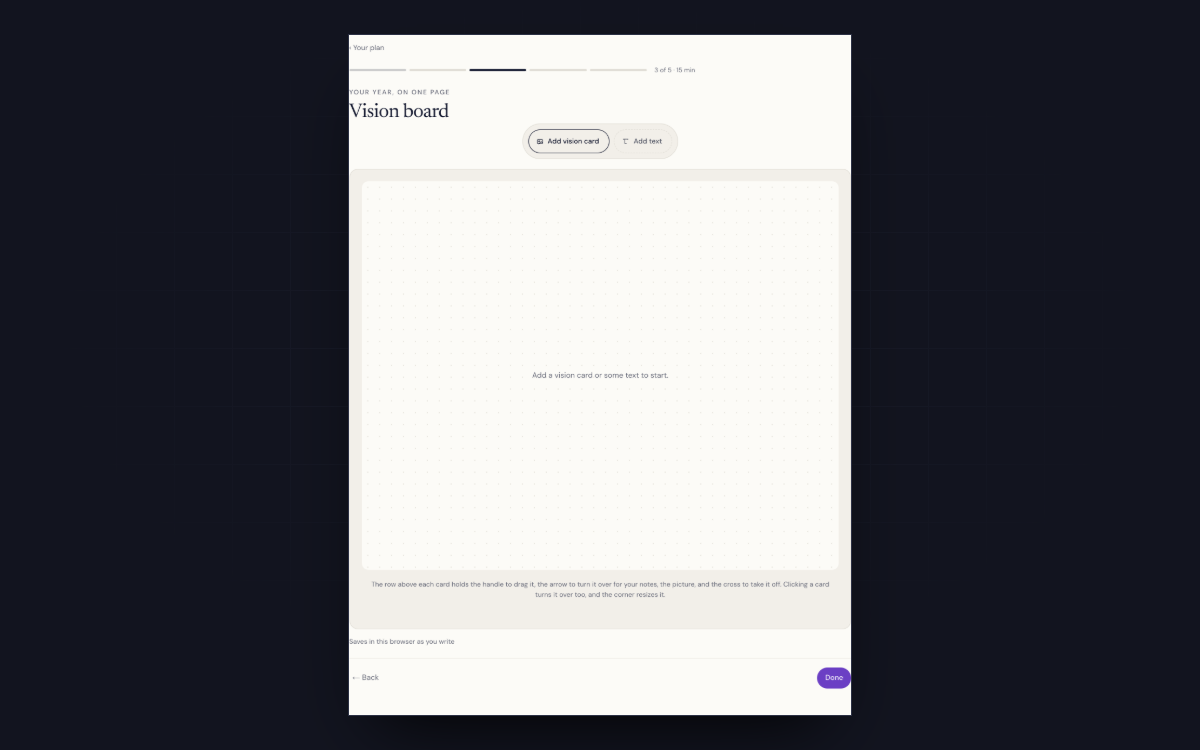
You can make one in the Astera workspace for free. You add photos, write a few lines and drag them around until the board looks right.
Making the board is the fun part!
How to make a vision board
- Pick nine picturesNine is enough to cover a year, and it makes you choose.
- Use your own photographsTake them off your phone: a place you’ve been, a person, the thing you’re building.
- Write a few lines of your ownMake some of the nine short lines instead of pictures, like "Pay myself by June".
- Keep it in the book you open every dayIn the workspace, press Put this in a book. The board goes to the front of your journal as you arranged it, printed in colour.
Why a wall stops working
You stop noticing a picture you walk past every day.
Your photographs stay in your own browser. When you sign in, they’re copied to your account as well, so the board comes back on another computer.
What to put on your vision board
- A place you plan to be, in a photo you took.
- A person you want more time with.
- The work you’re doing, halfway through.
- A number you’re aiming at.
- Something you want to stop doing.
- One thing that’s only for fun.
Read it again halfway through the quarter
Open the board halfway through the quarter and notice which pictures you skip past. Leave those off the next one you make.
Questions
Do vision boards work?
They help when you see the board often and it names things you can act on, like a number or a date.
Can I make a digital vision board?
Yes. The board in the Astera workspace runs in your browser. You add photos from your phone or computer and move them around on screen.
Can I print my vision board?
Yes. The workspace prints it on your own printer. You can also put it at the front of an Astera journal, as in step four.